Be yourself; Everyone else is already taken.
— Oscar Wilde.
This is the first post on my new blog. I’m just getting this new blog going, so stay tuned for more. Subscribe below to get notified when I post new updates.

All tech related solution will be done under one roof
Be yourself; Everyone else is already taken.
— Oscar Wilde.
This is the first post on my new blog. I’m just getting this new blog going, so stay tuned for more. Subscribe below to get notified when I post new updates.
z
The most asked question about google local guide on GOOGLE

WHO ARE “GOOGLE LOCAL GUIDE” ?
Many people has some misconception that they are similar like tourist guide, but in reallity they are not, they do the same things(guide) but in different ways.
Google local guide review, upload photos & video, approve places , make landmarks ,add new places and editing missing places on google maps.
WHAT THEY DO ?
So you are curious about “what they do”…well nothing much, although the fun part is, you can do this from anywhere around the globe. you just need to start the contribution on google maps by reviewing, editing and adding some content on google maps.
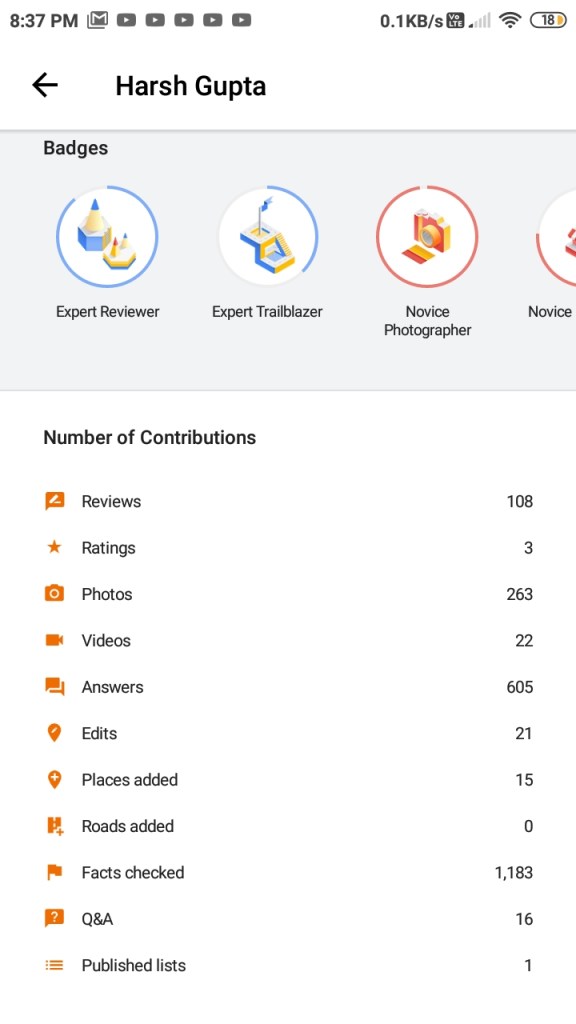
Right now you are seeing my profile of Google local guide account in the image, and as you can see being a local guide you have to contribute in many ways, also during the contribution you will get some badges which you can see in your profile, and if you dont want to show your profile then it also has a option of private profile, that way you can do contribution and profile of your will be not accessible to the other local guide.
So now you know, what it takes to be a local guide.
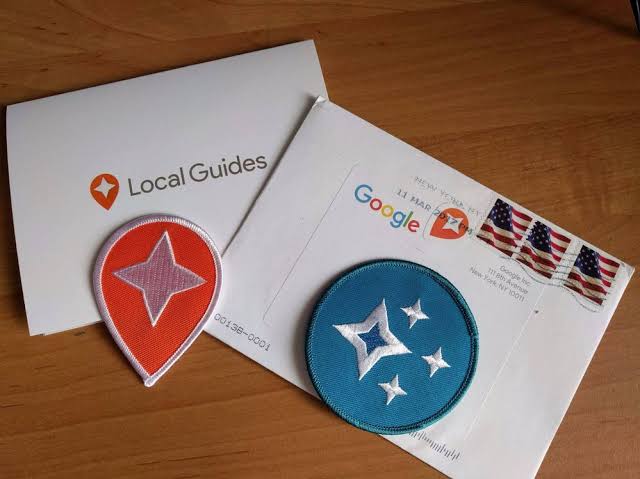
Advantages of becoming a “Google Local Guide” ?

Requirements of being a “Google Local Guide” ?
Wondering about What you need to become a local guide?…well i will say nothing, but yes, the soft skills are required which are given below…
How to become a “Google Local Guide” ?
Google local guide is a program in which you contribute on google maps, inspite of having something from it…
You can simplely go to the google maps app and tap the side menu there you will get an option to become a google local guide, sign in to it, and then ,here you go, you are all set for the local guide program.
now you can start contributing on google maps.
My story about being a “Google local guide” ?
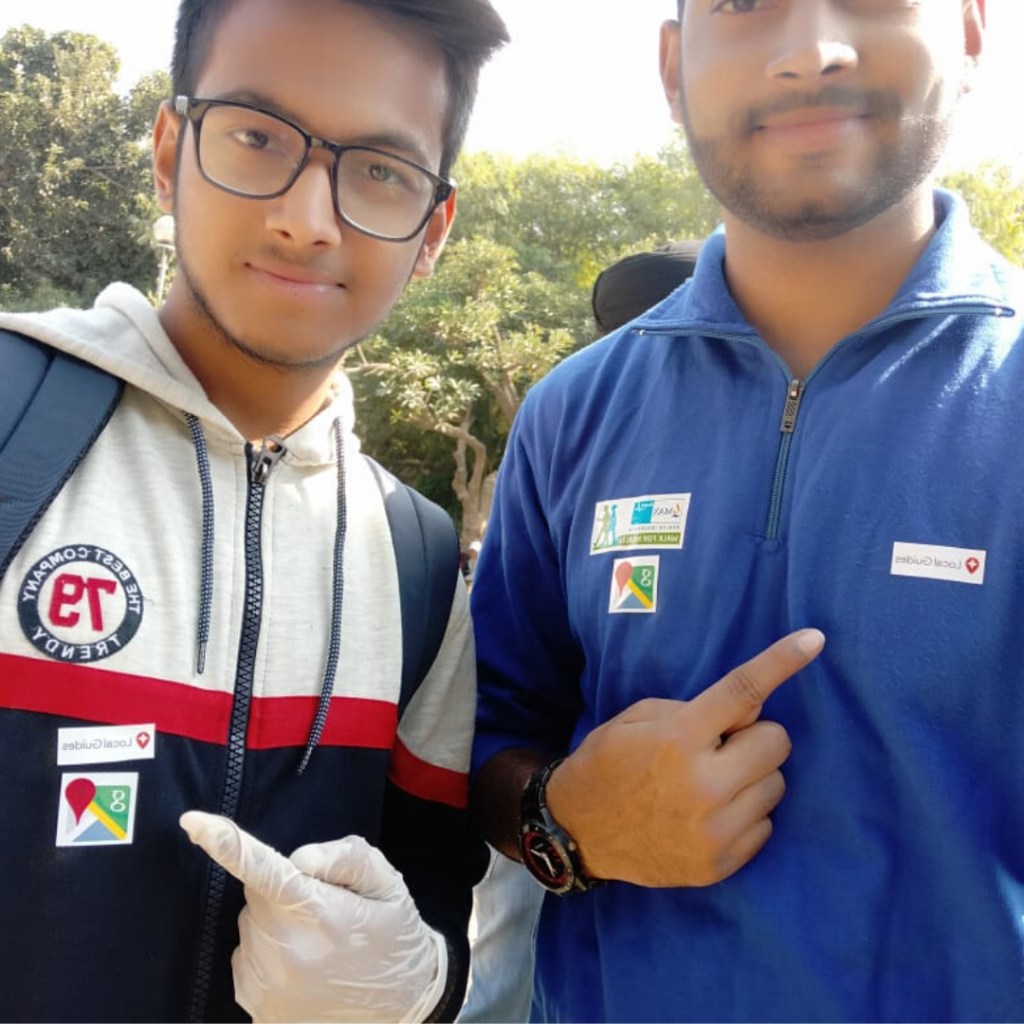
So now its my turn to tell you about my story of being a local guide…well i will tell you its so exciting , joyfull and adventurous about being a local guide. we are the people who make google maps best.
People thinks it is a boring thing to do but i want to tell you i m doing and i will say its superawesome, we have community where we can share our thoughts and make change in google maps, also we have official whatsapp group according to the state and country where you can talk to other local guide and plan meet-ups and events for local guide…
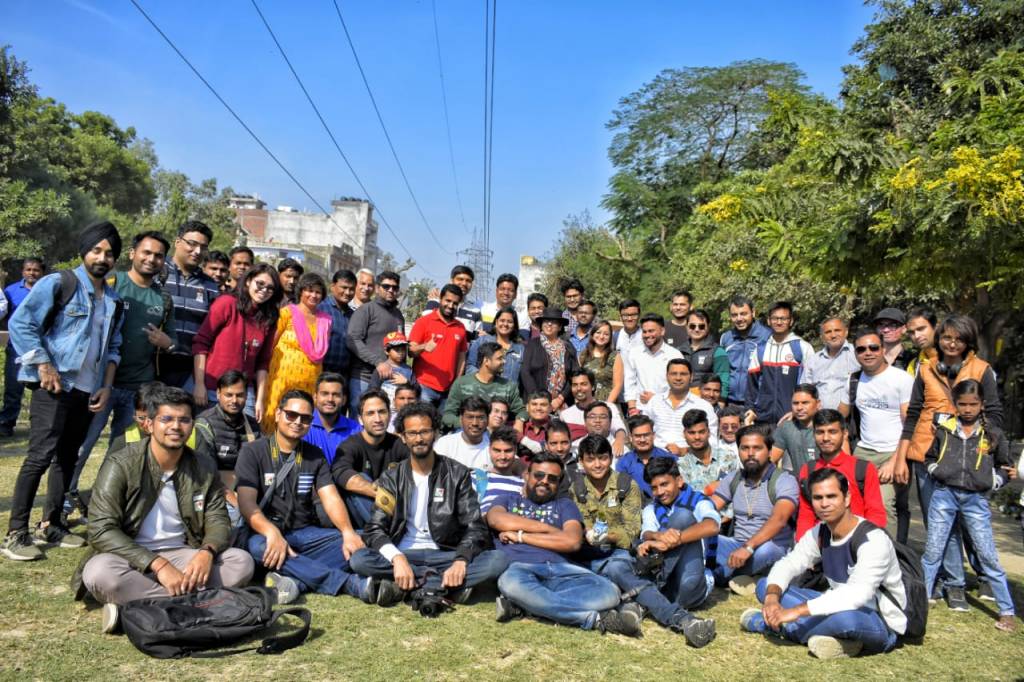
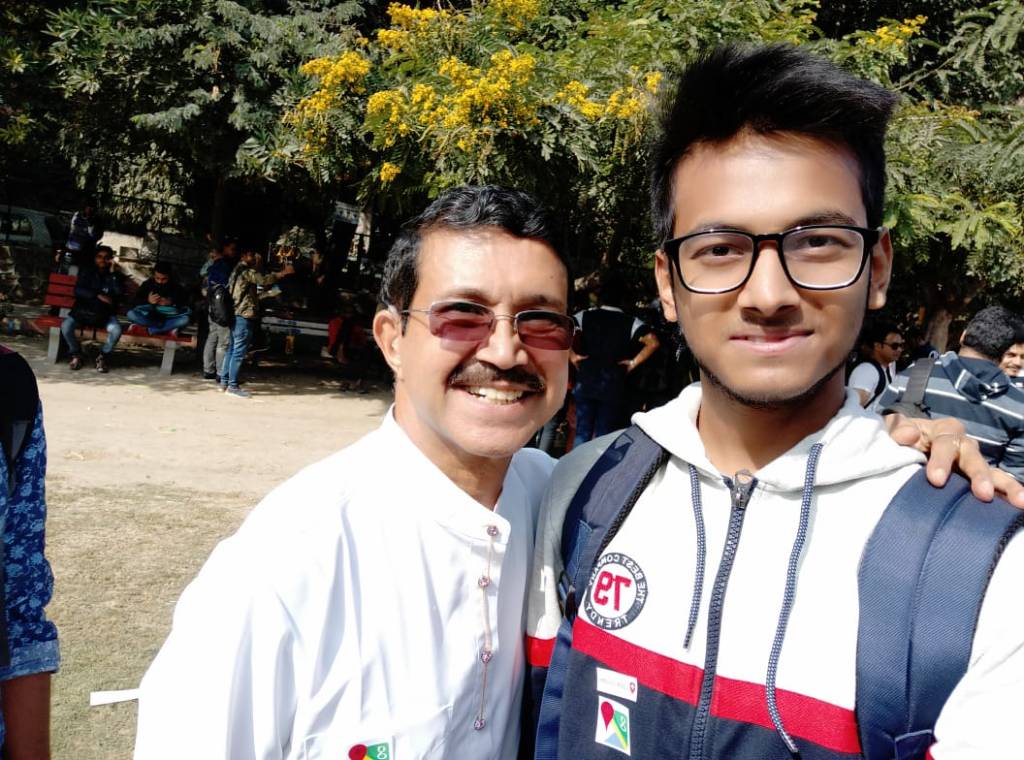
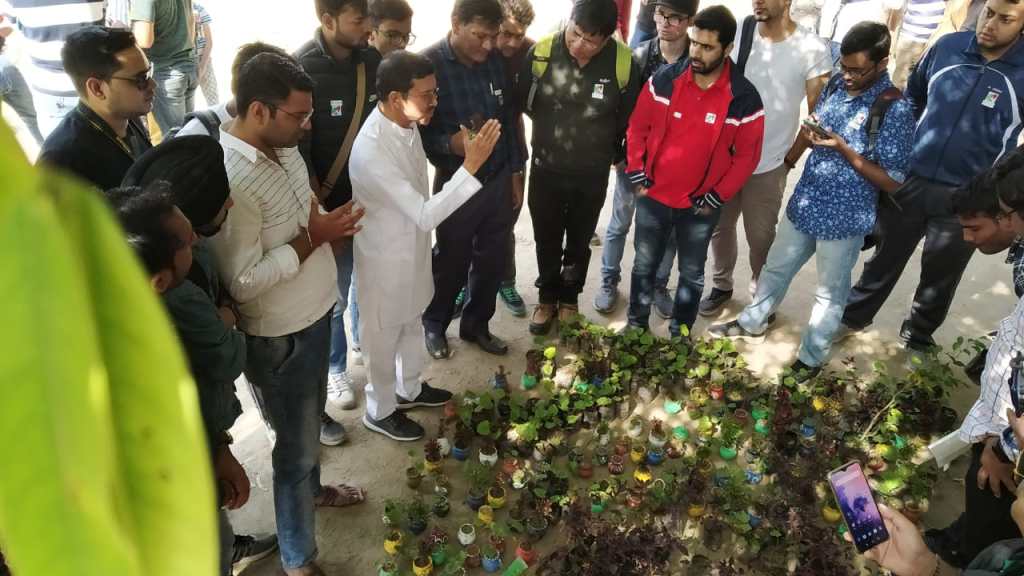
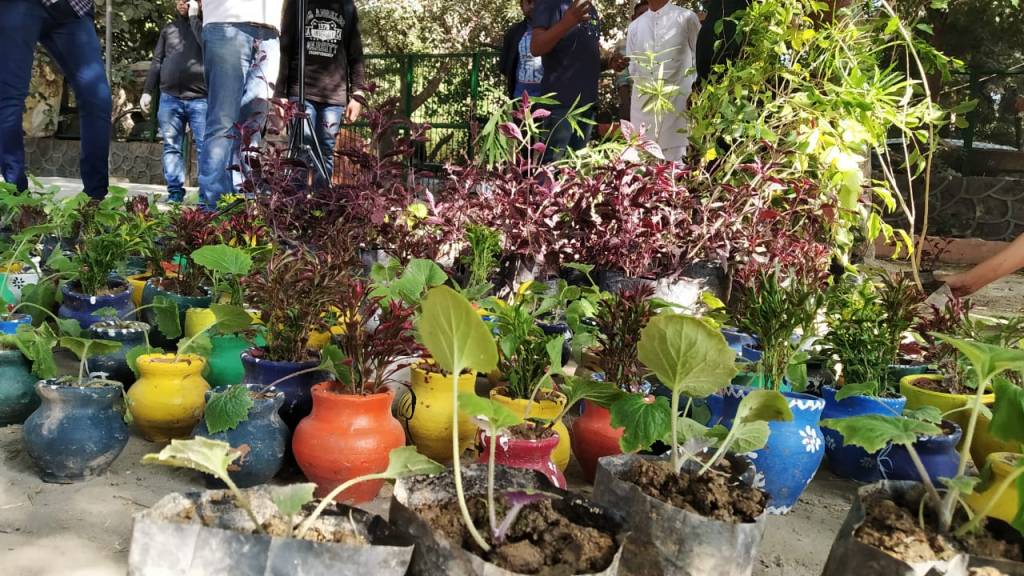
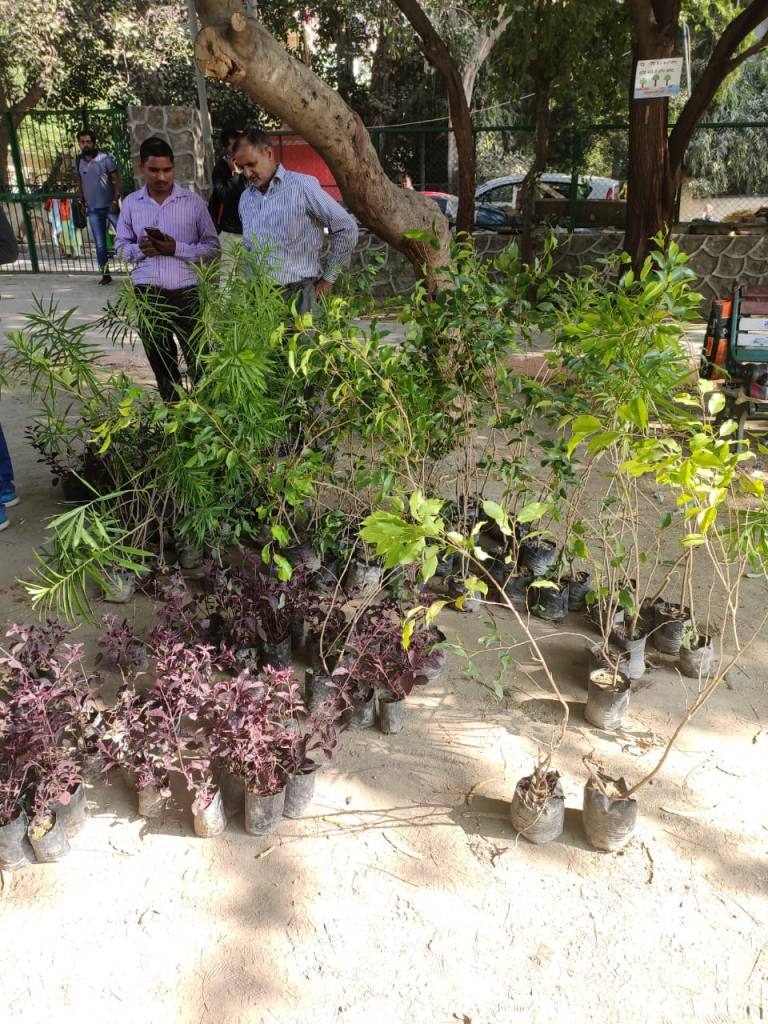
Many events and meet-ups for local guides are also hosted by many top level local guides around the globe. if you wanted my experience then below i have shared my photo collection of any random meet up.



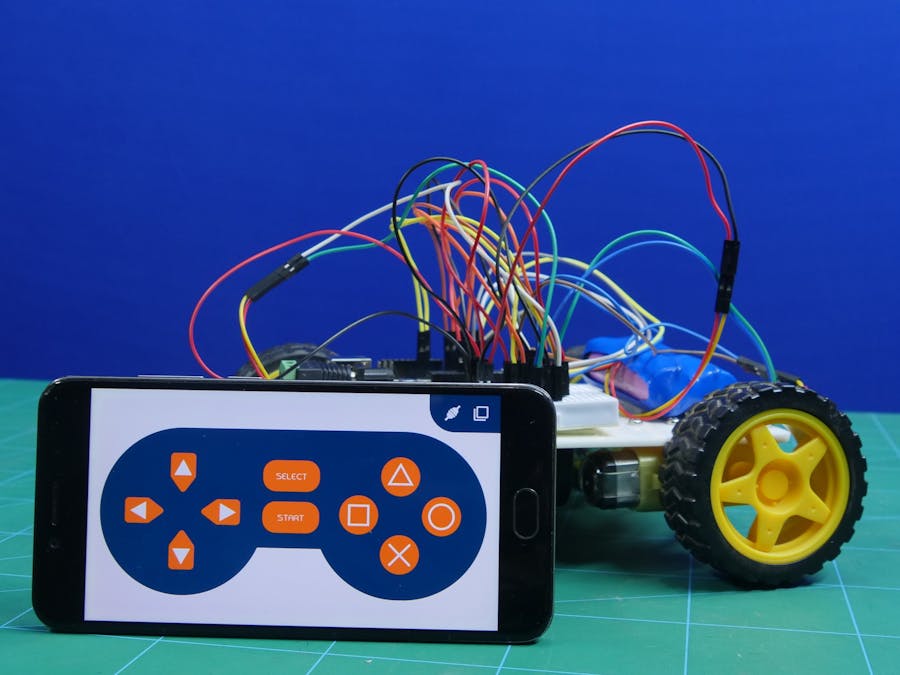
This project is gonna show you how you can make an awesome (DIY) 4-wheel robot which can be controlled by using your smartphone via mobile application.
SO…LETS GET STARTED !!! 👍👍👍
I will show you the exact road-map from which you can make an awesome DIY car and will be able to showcase your talent in front of professers & friends…
Copy and paste the code in your Arduino IDE
 /*
 *  in this project we will be using HC-05 bluetooth module
 *  for arduino "UNO" use bluetooth module buadrate below 38400
 *
 *  connection of bluetooth module with arduino
 *
 *  HC-05 bluetooth module ----> arduino "UNO"
 *
 *              Tx         ----> 2
 *              Rx         ----> 3
 *
 *  Written by by Punit chotaliya, STEMpedia
 *  on 16 jan 2019
 *
 */

//To include the GamePad module in the Arduino program, you have to
//include the following header:
#define CUSTOM_SETTINGS
#define INCLUDE_GAMEPAD_MODULE

//include Dabble app library
#include <Dabble.h>

#define motor1_en 10      // motor 1 enable pin
#define motor2_en 11      // motor 2 enable pin
#define motor1_dir1 4     // motor 1 input1 (InputA)
#define motor1_dir2 5     // motor 1 input2 (InputA)
#define motor2_dir1 6     // motor 2 input1 (InputB)
#define motor2_dir2 7    // motor 2 input2  (InputB)

void setup()
   {
      // put your setup code here, to run once:

      Serial.begin(9600);   //  start serial communication using 9600 baudrate
      Dabble.begin(38400); // Enter your bluetooth module baudrate
                            // NOTE : for arduino "UNO" use bluetooth module buadrate below 38400
      for(unsigned int i=4;i<8;i++)
         {
             pinMode(i,OUTPUT); // declaring input pins of motor1 and motor2 as a output pin
         }
      pinMode(motor1_en,OUTPUT);  // declaring enable pins of motor as a output
      pinMode(motor2_en,OUTPUT);


    }

void loop()
     {
        // put your main code here, to run repeatedly:

         Dabble.processInput(); //To refresh the data that the arduino UNO got from the mobile app, you have to use the following line of code


        if (GamePad.isUpPressed()) // if UP is pressed in the gamepad then move robot forward
          {
             Serial.print("UP");
             forward();
          }

        else if (GamePad.isDownPressed()) // if DOWN is pressed in the gamepad then move robot backward
          {
             Serial.print("DOWN");
             backward();
          }

        else  if (GamePad.isLeftPressed()) // if LEFT is pressed in the gamepad then move robot LEFT
           {
              Serial.print("Left");
              left();
           }

        else  if (GamePad.isRightPressed()) // if RIGHT is pressed in the gamepad then move robot RIGHT
           {
               Serial.print("Right");
               right();
           }

        else // stop the robot
           {
            Serial.println("strop");
            Stop();
           }


     }

     void forward()  // function for robot forward movement
     {
        analogWrite(motor1_en,255);
        analogWrite(motor2_en,255);
        digitalWrite(motor1_dir1,HIGH);
        digitalWrite(motor1_dir2,LOW);
        digitalWrite(motor2_dir1,HIGH);
        digitalWrite(motor2_dir2,LOW);

     }
     void backward() // function for robot backward movement
     {
        analogWrite(motor1_en,255);
        analogWrite(motor2_en,255);
        digitalWrite(motor1_dir1,LOW);
        digitalWrite(motor1_dir2,HIGH);
        digitalWrite(motor2_dir1,LOW);
        digitalWrite(motor2_dir2,HIGH);

     }
     void left() // function for robot left movement
     {
        analogWrite(motor1_en,255);
        analogWrite(motor2_en,255);
        digitalWrite(motor1_dir1,LOW);
        digitalWrite(motor1_dir2,HIGH);
        digitalWrite(motor2_dir1,HIGH);
        digitalWrite(motor2_dir2,LOW);

     }
     void right() // function for robot right movement
     {
        analogWrite(motor1_en,255);
        analogWrite(motor2_en,255);
        digitalWrite(motor1_dir1,HIGH);
        digitalWrite(motor1_dir2,LOW);
        digitalWrite(motor2_dir1,LOW);
        digitalWrite(motor2_dir2,HIGH);

     }
     void Stop() // // function for no movement
     {
        analogWrite(motor1_en,0);
        analogWrite(motor2_en,0);
        digitalWrite(motor1_dir1,LOW);
        digitalWrite(motor1_dir2,LOW);
        digitalWrite(motor2_dir1,LOW);
        digitalWrite(motor2_dir2,LOW);

     }

 infoonline.tech.blog